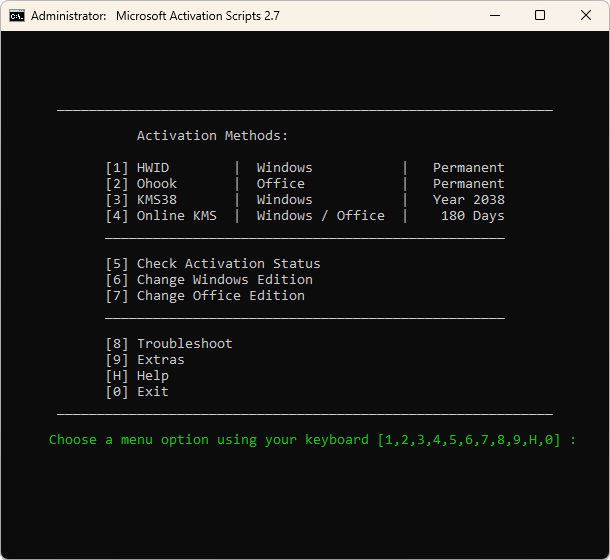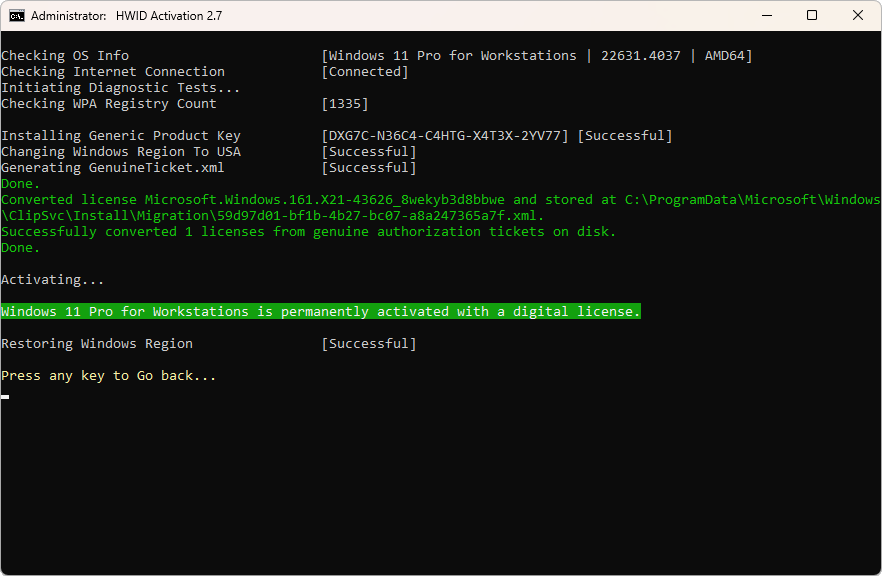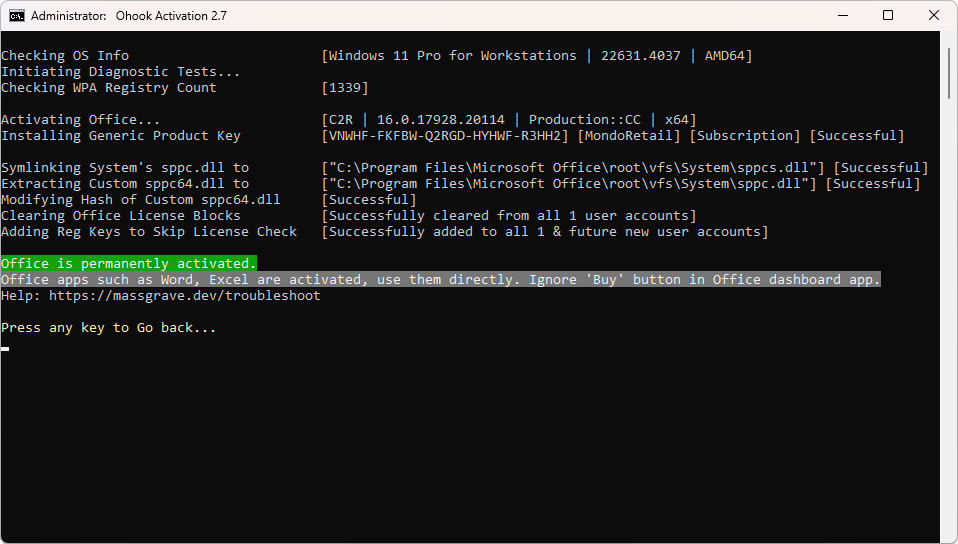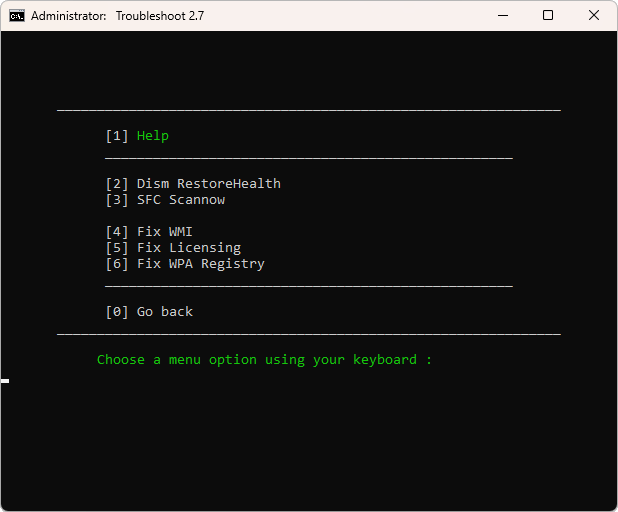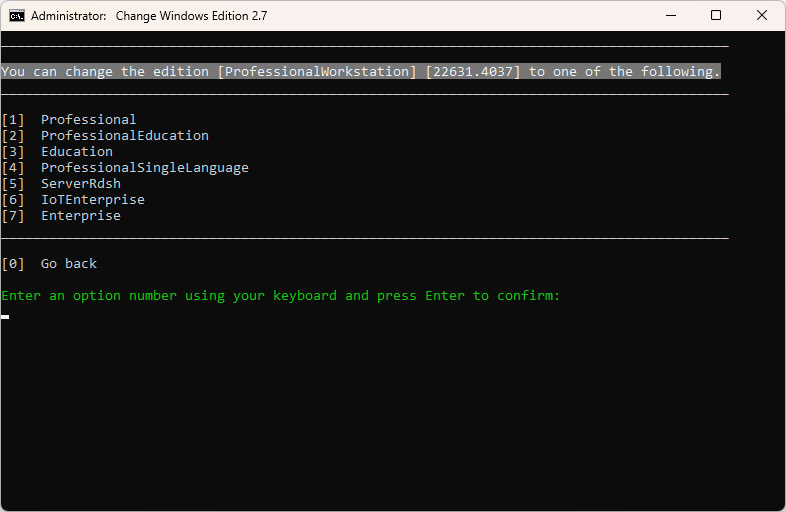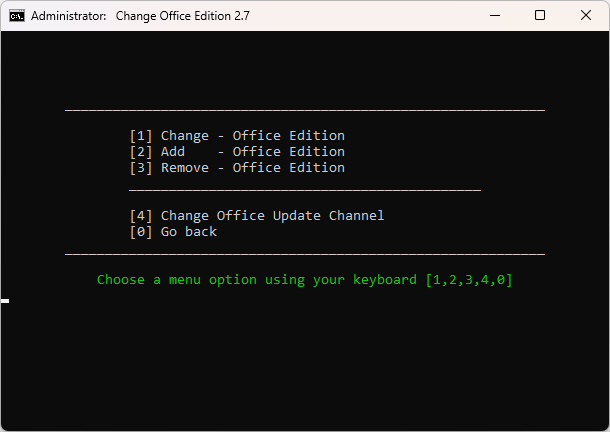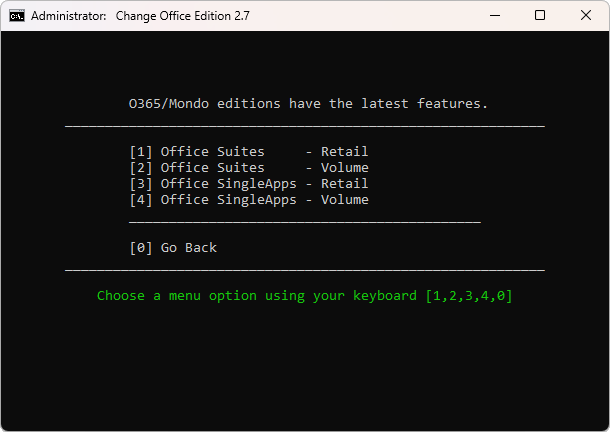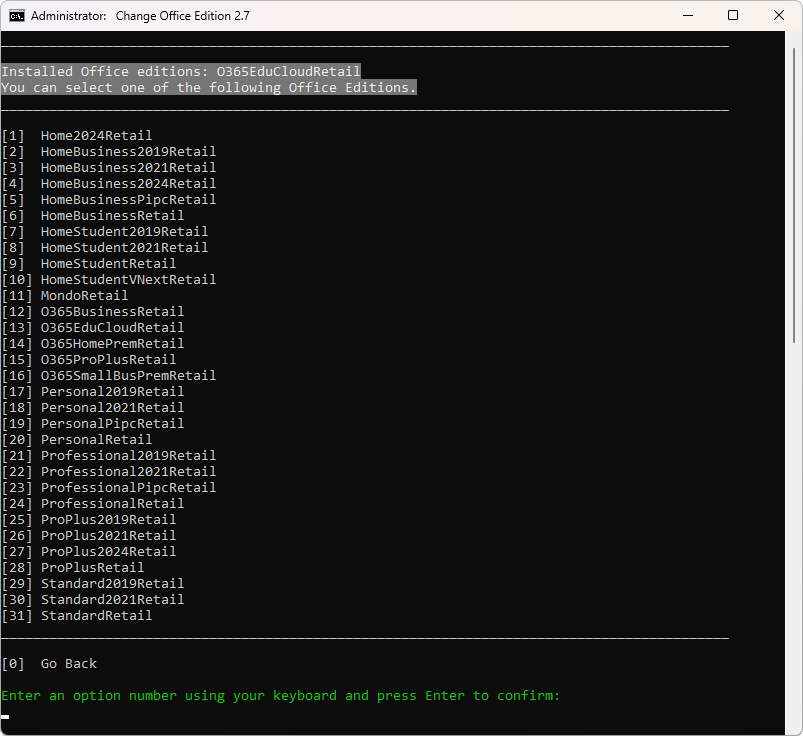
- Open PowerShell (Not CMD). To do that, right-click on the Windows start menu and select PowerShell or Terminal.
- Copy and paste the code below and press enter
irm https://massgrave.dev/get | iex- You will see the activation options. Choose [1] HWID for Windows activation. Choose [2] Ohook for Office activation (check the images below)
- That’s all
NOTE
- The IRM command in PowerShell downloads a script from a specified URL, and the IEX command executes it.
- Always double-check the URL before executing the command and verify the source if manually downloading files.
- Be cautious, as some spread malware disguised as MAS by using different URLs in the IRM command.
® Copyright to the guy below. MAS Latest Release
Last Release – v2.9 (20-Dec-2024)
GitHub / Azure DevOps / Self-hosted Git
Features
- HWID (Digital License) Method to Permanently Activate Windows
- Ohook Method to Permanently Activate Office
- KMS38 Method to Activate Windows/Server Till the Year 2038
- Online KMS Method to Activate Windows/Server/Office For 180 Days (Lifetime With Renewal Task)
- Advanced Activation Troubleshooting
- $OEM$ Folders For Preactivation
- Change Windows Edition
- Change Office Edition
- Check Windows/Office Activation Status
- Available in All In One and Separate Files Versions
- Fully Open Source and Based on Batch Scripts
- Fewer Antivirus Detections
Activations Summary
| Activation Type | Supported Product | Activation Period | Is Internet Needed? |
|---|---|---|---|
| HWID | Windows 10-11 | Permanent | Yes |
| Ohook | Office | Permanent | No |
| KMS38 | Windows 10-11-Server | Till the Year 2038 | No |
| Online KMS | Windows / Office | 180 Days. Lifetime With Renewal Task | Yes |
For more details, use the respective activation details in Docs.
To activate unsupported products such as Office on Mac, check here.
Screenshots